
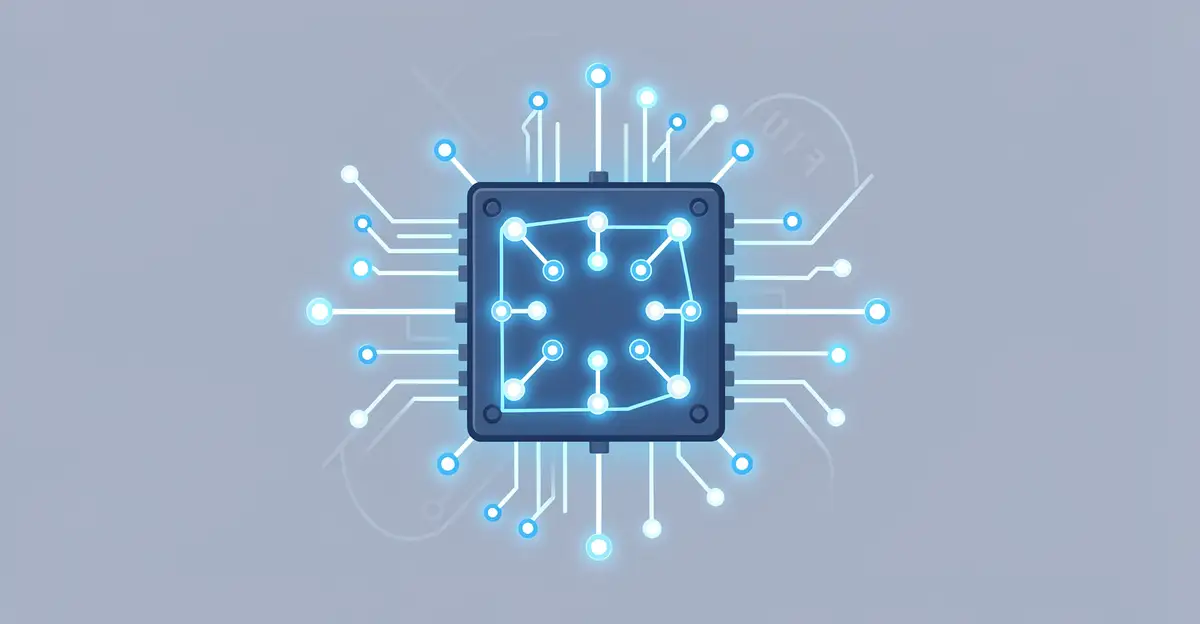
A neural processing unit (NPU) is a specialized chip designed to run artificial intelligence tasks directly on your device. Unlike a general-purpose CPU, an NPU is built to handle the massive parallel calculations behind machine learning quickly and efficiently.
In this article, we explain what a neural processing unit is, how it works under the hood, and why it matters for your phone, laptop, and smart devices. You will learn the key differences from CPUs and GPUs and see how NPUs power faster, more private AI experiences every day.
Introduction
A Neural Processing Unit, often shortened to NPU, is a specialized computer chip designed to run artificial intelligence and machine learning tasks directly on a device. If you have bought a smartphone, laptop, or tablet in the last few years, chances are it contains an NPU working quietly in the background. Unlike a general-purpose central processing unit (CPU), which handles everything from opening apps to managing files, an NPU is built for one job: performing the massive number of mathematical operations that neural networks require, and doing so quickly and efficiently.
This article explores What Is a Neural Processing Unit and How Does It Work with clear, practical guidance. You will learn the core concepts behind NPUs, how they differ from CPUs and graphics processing units (GPUs), what happens inside them when you run an AI feature, and how to make smart decisions about devices and software that rely on them. Understanding the fundamentals of What Is a Neural Processing Unit and How Does It Work helps you make informed decisions, whether you are buying a new phone, developing an app, or simply curious about the technology shaping modern computing.
The rise of AI features—voice assistants, real-time translation, photo enhancement, and generative text tools—has made NPUs increasingly important. By the end of this guide, you will have a solid mental model of how these chips operate and why they matter for performance, battery life, and privacy.
Key Concepts
To understand NPUs, you first need a few building blocks. Let’s define the essential terms in plain language.
Neural Networks
A neural network is a computing system loosely inspired by the human brain. It consists of layers of interconnected nodes, or “neurons,” that process data. Each connection has a weight, and during a process called training, those weights are adjusted so the network can recognize patterns—like identifying a face in a photo or understanding spoken words. Once trained, the network can make predictions on new data, a process called inference.
CPU, GPU, and NPU
A CPU is the general manager of a computer. It handles a wide variety of tasks but has a limited number of cores (often 4 to 16). A GPU has thousands of smaller cores designed for parallel processing, originally for graphics but now heavily used for AI training. An NPU sits between these extremes. It is optimized specifically for the matrix multiplications and convolutions that neural networks rely on, often using low-precision arithmetic to save power.
- CPU: Flexible, good for sequential logic, power-hungry for AI workloads.
- GPU: Massive parallelism, high power draw, often found in servers and gaming PCs.
- NPU: Efficiency-focused, low power, designed for always-on AI inference on edge devices.
Inference vs. Training
Training a neural network—teaching it to perform a task—usually happens in data centers with powerful GPUs. Inference—using the trained model to make a decision—happens on your device. NPUs are built for inference. They accelerate tasks like background blur on video calls, speech recognition, and image classification without draining your battery.
Edge Computing
Edge computing means processing data near where it is generated rather than sending it to the cloud. NPUs enable edge AI by making on-device inference fast enough for real-time use. This reduces latency, saves bandwidth, and improves privacy because your data never leaves your device.
Deep Dive
Now that you have the vocabulary, let’s look inside an NPU and see how it actually works.
Architecture of an NPU
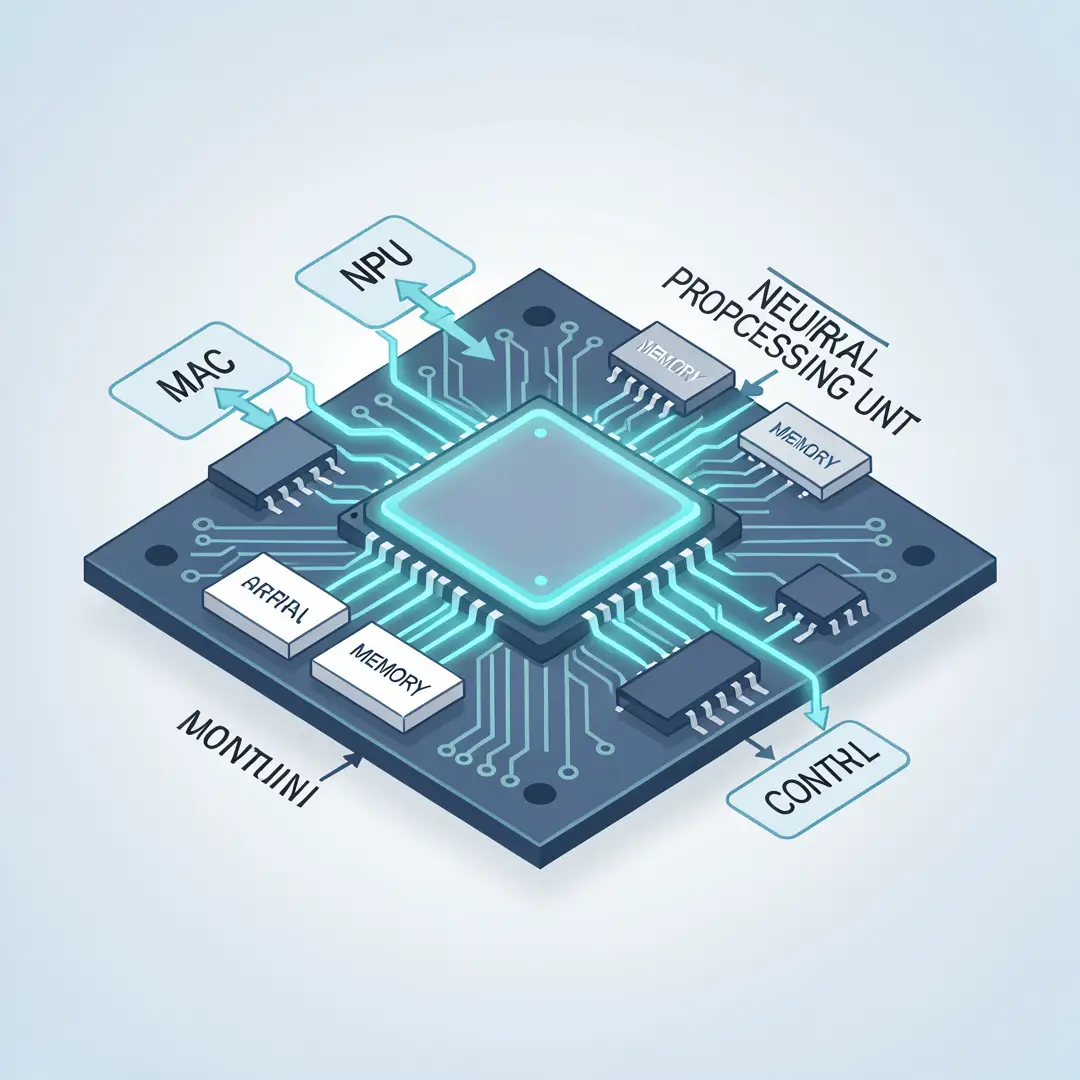
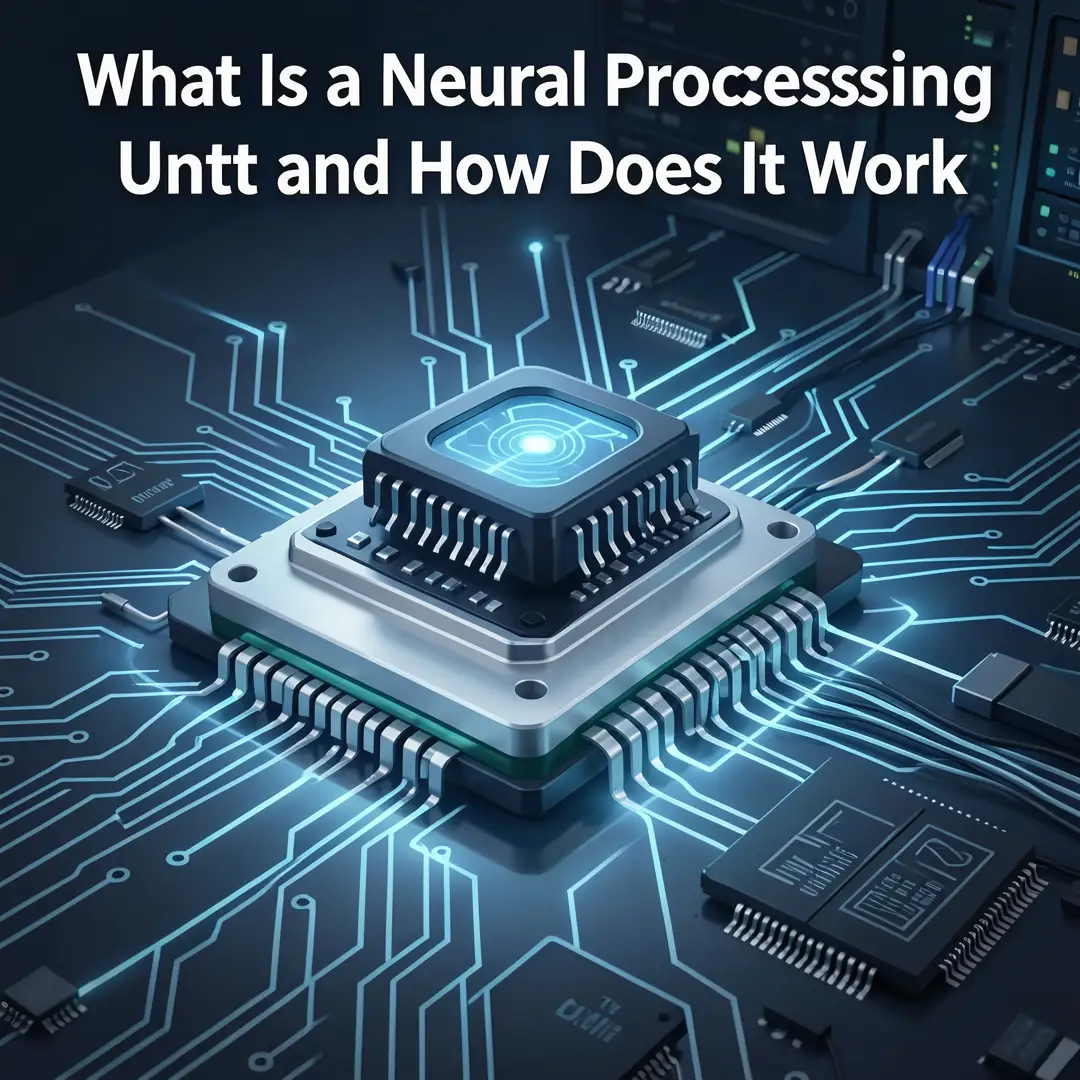
An NPU typically contains several key components: a matrix multiplication engine, a convolution engine, a dedicated memory buffer, and a controller that schedules operations. The matrix engine performs the heavy lifting—multiplying and accumulating large arrays of numbers. The convolution engine is optimized for sliding-window operations common in image processing. The memory buffer keeps weights and activations close to the compute units, avoiding the energy cost of fetching data from main memory.
Data Flow and Scheduling
When you trigger an AI feature—say, asking your phone to translate a sentence—the application sends the input data to the NPU driver. The driver compiles the neural network model into a sequence of instructions the NPU understands. The NPU then loads the model weights, streams the input through its compute engines, and writes the output back to memory. This entire process can take just a few milliseconds.
Precision and Quantization
NPUs often use lower numerical precision than CPUs. While a CPU might use 32-bit or 64-bit floating-point numbers, an NPU might use 8-bit or even 4-bit integers. This technique, called quantization, reduces memory usage and speeds up computation with minimal loss in accuracy. It is a key reason NPUs are so power-efficient.
Real-World Examples
- Smartphones: Apple’s Neural Engine, Qualcomm’s Hexagon, and Google’s Tensor Processing Unit (in Pixel phones) handle face unlock, photo editing, and live transcription.
- Laptops: Intel’s Meteor Lake and AMD’s Ryzen AI chips include NPUs for video effects and background noise removal.
- Smart Cameras: NPUs enable person detection and object tracking without sending video to the cloud.
- Automotive: Advanced driver-assistance systems use NPUs for real-time lane detection and pedestrian recognition.
How NPUs Differ from Cloud AI
Cloud AI relies on remote servers, which introduces latency and requires an internet connection. NPUs bring AI locally, enabling instant responses and offline functionality. For example, your phone can transcribe a voice memo in airplane mode because the NPU runs the speech model on-device.
Best Practices
If you are evaluating or using NPU-powered devices, these practices will help you get the most value.
- Check the TOPS rating: TOPS (trillions of operations per second) is a common measure of NPU performance. Higher numbers indicate faster AI processing, but real-world performance also depends on software support.
- Look for software compatibility: An NPU is only useful if apps can access it. Check whether your preferred AI apps support the NPU through frameworks like ONNX, TensorFlow Lite, or Core ML.
- Balance power and performance: NPUs are designed for efficiency, but not every task needs them. Simple AI features may run fine on the CPU. Use the right tool for the job.
- Keep drivers updated: NPU drivers and firmware improve performance and compatibility over time. Regular updates ensure you benefit from optimizations.
- Prioritize privacy: On-device NPU processing keeps sensitive data local. When choosing between a cloud-based and on-device AI feature, prefer on-device when accuracy is comparable.
- Test before you commit: If you are developing an app, benchmark your model on the target NPU. Performance can vary widely between chips.
Reliable information and consistent habits lead to better long-term outcomes. Staying informed about NPU capabilities helps you avoid marketing hype and focus on real benefits.
Step-by-Step Guide to Understanding and Using NPUs
Step 1: Understand the fundamentals
Start by reviewing what an NPU is: a specialized chip for neural network inference. Learn the difference between training and inference, and why NPUs prioritize efficiency over raw flexibility. Read manufacturer whitepapers or reputable tech articles to build a baseline. Without this foundation, it is easy to confuse NPUs with GPUs or overestimate their role.
Step 2: Assess your starting point
Determine whether your current devices have an NPU. On Windows, check Task Manager or system information for “Neural Processor.” On a Mac with Apple Silicon, the Neural Engine is part of the M-series chip. On Android, look for “NPU” in the specifications of your phone’s processor. If you are a developer, check which AI frameworks your target platform supports.
Step 3: Set clear goals
Decide what you want to achieve. Are you buying a laptop for AI-assisted video editing? Do you want faster photo searches on your phone? Or are you building an app that needs real-time object detection? Write down specific, measurable goals. For example: “I want to run a 10-megapixel image classifier at 30 frames per second on battery power.” Clear goals guide your hardware and software choices.
Step 4: Gather necessary resources
Collect the tools and information you need. This might include benchmark results (like MLPerf or Geekbench AI scores), developer documentation for your chosen framework, and access to sample models. If you are a consumer, gather reviews that test NPU-accelerated features in real scenarios, not just synthetic benchmarks. For developers, set up a test device and install the necessary SDKs.
Step 5: Apply the core methods
Put your knowledge into action. If you are a user, enable AI features that leverage the NPU—such as live captioning, background blur, or photo upscaling. If you are a developer, convert your model to a format the NPU supports (e.g., TensorFlow Lite with NNAPI or Core ML) and run inference tests. Measure latency, throughput, and power consumption. Compare NPU execution against CPU-only execution to quantify the benefit.

Step 6: Monitor your progress
Track whether your goals are being met. For users, note battery life improvements or speed increases. For developers, log performance metrics and accuracy. Adjust as needed: if the NPU is not being utilized, check for driver issues or unsupported operations. Regular monitoring ensures you are getting the most from the hardware.
FAQ
What should I know about What Is a Neural Processing Unit and How Does It Work?
You should know that an NPU is a specialized chip for running AI models efficiently on devices. It excels at inference, not training. It uses low-precision arithmetic and parallel compute engines to deliver fast AI with low power draw. Understanding this helps you evaluate devices and set realistic expectations. NPUs are not magic—they accelerate specific workloads, and their benefits depend on software support.
Who is this guide for?
This guide is for anyone who wants a clear, practical explanation of NPUs. That includes consumers comparing laptops or phones, IT professionals evaluating hardware, developers integrating AI features, and students learning about modern computer architecture. No advanced math or engineering background is required—just curiosity and a willingness to learn the fundamentals.
Do I need an NPU for AI?
No, you can run AI on a CPU or GPU. However, NPUs offer better battery life and thermal performance for always-on or real-time AI tasks. For occasional use, a CPU may suffice. For frequent, latency-sensitive AI, an NPU is a significant advantage.
Can NPUs run any AI model?
You now have a solid foundation for What Is a Neural Processing Unit and How Does It Work. Apply the best practices above and revisit this guide as your needs evolve.