

Every time you tap an app, ask a voice assistant a question, or navigate a website, you’re participating in human-computer interaction (HCI). This field studies how people use technology and how designers can make those experiences smoother, safer, and more intuitive.
Understanding human-computer interaction matters because poor design costs time, money, and trust—while good design keeps users engaged and productive. In this article, we’ll break down what HCI is, why it’s important, and how it shapes the everyday tools you rely on.
Introduction
Human-computer interaction, often shortened to HCI, is the study of how people use computers and how computers respond to people. It sounds technical, but it affects your daily life more than you might realize. Every time you tap an app icon, type a password, or ask a voice assistant for the weather, you are participating in human-computer interaction. The field asks a simple but powerful question: how can we make technology easier, safer, and more enjoyable to use?
This article explores What Is Human-Computer Interaction and Why Is It Important with clear, practical guidance. Whether you are a student, a designer, a manager, or simply someone who wants to understand the digital world better, the concepts here will help you see the invisible rules that shape your devices. Understanding the fundamentals of What Is Human-Computer Interaction and Why Is It Important helps you make informed decisions — from choosing software for your team to evaluating whether a new gadget will actually fit your life.
Reliable information and consistent habits lead to better long-term outcomes. That principle applies to HCI as much as it does to health or finance. By learning how interaction works, you can become a more effective user, a sharper critic, and even a better creator of digital products.
Key Concepts
To grasp HCI, you need a handful of core ideas. These concepts form the vocabulary that researchers, designers, and engineers use every day.
- Usability: How easily and effectively a person can use a system to achieve a goal. High usability means fewer errors, faster task completion, and less frustration.
- User experience (UX): The total emotional and practical response a person has while interacting with a product. UX includes usability but also covers delight, trust, and meaning.
- Interface: The point of contact between human and computer. This could be a screen, a keyboard, a voice command, a gesture, or even a brain-computer link.
- Affordance: A design clue that suggests how something should be used. A button that looks pressable affords clicking; a handle affords pulling.
- Feedback: The system’s response to a user action. A click sound, a progress bar, or a vibration all tell you that the computer received your input.
- Mental model: The user’s internal understanding of how a system works. Good HCI aligns the system’s design with the user’s mental model.
- Accessibility: Designing so that people with disabilities can use the system. This includes screen readers, captions, and keyboard-only navigation.
These concepts are not abstract. They explain why some apps feel intuitive and others feel like a puzzle. They also explain why a well-designed ATM is faster to use than a poorly designed one, even if both do the same job.

Deep Dive
Human-computer interaction sits at the intersection of computer science, psychology, design, and ergonomics. It emerged as a formal field in the early 1980s, when personal computers moved from labs into offices and homes. Researchers realized that making computers more powerful was not enough — people had to be able to use them.
Over the decades, HCI has evolved through several waves. The first wave focused on engineering and human factors: making keyboards, screens, and commands efficient for trained users. The second wave brought cognitive science into the picture, studying how people perceive, remember, and decide while using computers. The third wave expanded to include emotion, culture, and everyday life, recognizing that technology is not just a tool but part of our social world.
Today, HCI covers a vast range of topics. Here are some of the most important areas:
- Interaction design: Crafting the flow of actions a user takes, from opening an app to completing a purchase.
- User research: Observing and interviewing real people to understand their needs, habits, and pain points.
- Prototyping and testing: Building low-cost versions of an interface and testing them with users before full development.
- Human factors and ergonomics: Studying physical and cognitive limits, such as how many items a person can remember at once.
- Ubiquitous computing: Technology that blends into the environment, like smart home devices and wearable sensors.
- Ethics and privacy: Ensuring that interaction design respects user autonomy, consent, and data security.
Why does this matter to you? Because HCI failures are costly. A confusing medical device can lead to patient harm. A poorly designed website can lose customers in seconds. A social media app that ignores user well-being can amplify anxiety and misinformation. Conversely, good HCI saves time, reduces errors, and makes technology feel like a helpful partner rather than an obstacle.
Consider a simple example: the “undo” command. It seems obvious now, but it was a major HCI innovation. It gives users freedom to explore without fear. That single feature — rooted in understanding human psychology — has saved countless hours of frustration. This is the power of HCI: small design choices with large human impact.

Step 1: Understand the fundamentals
Start by learning the basic vocabulary and goals of HCI. Read introductory articles, watch short videos, or take a free online course. Focus on usability, feedback, affordance, and mental models. Ask yourself how these ideas show up in the apps you use daily. For example, when you tap a “like” button, what feedback do you get? Why does that feedback matter? Understanding the fundamentals gives you a lens to analyze any interface.
Step 2: Assess your starting point
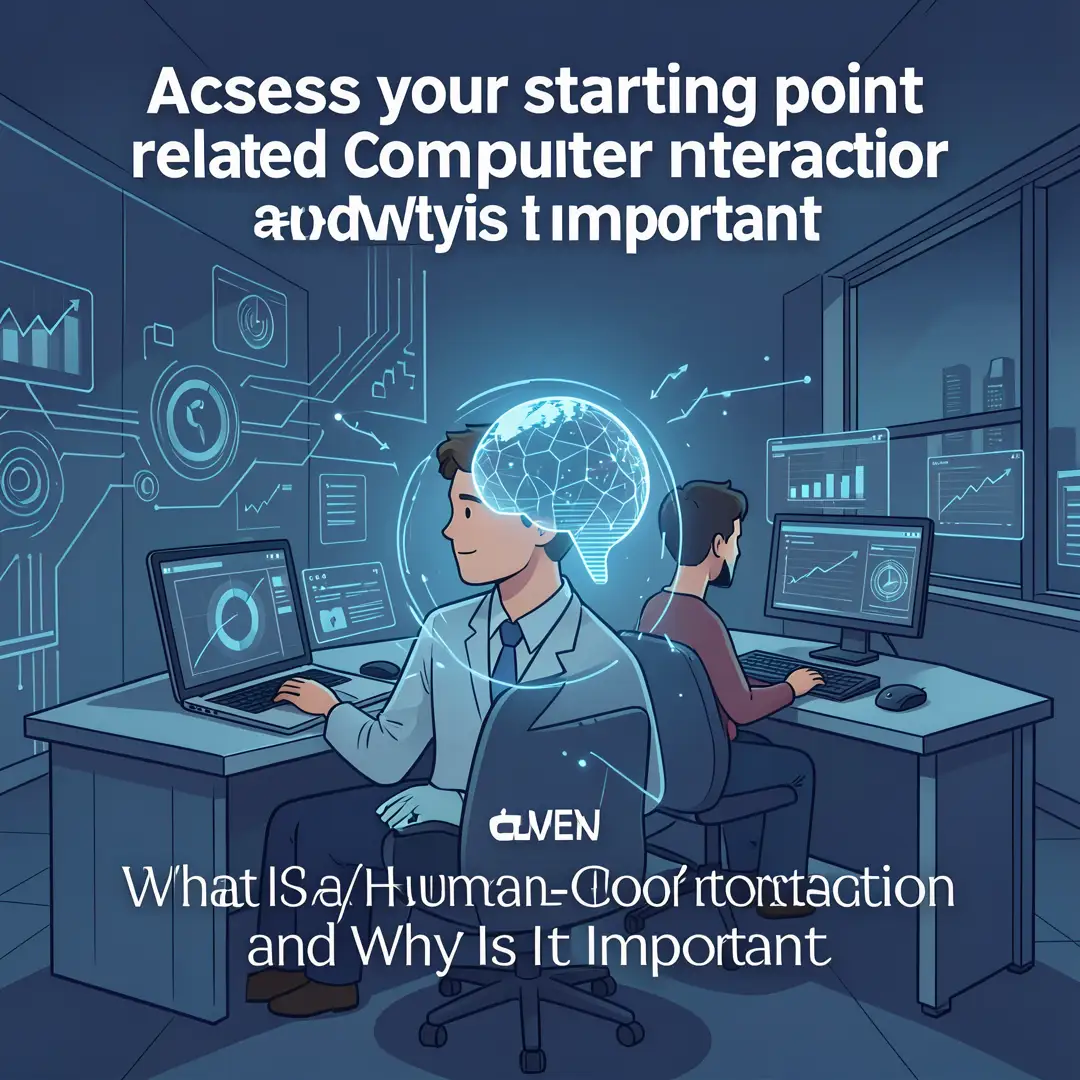
Before you can improve anything, you need to know where you are. If you are a user, assess your own habits: which apps frustrate you, and why? If you are a designer or product manager, assess your current product’s usability. Run a simple heuristic evaluation — check for consistency, visibility of system status, and error prevention. Write down specific problems you notice. This baseline will help you measure progress later.
Step 3: Set clear goals
Goals turn vague interest into action. Decide what you want to achieve. Maybe you want to reduce the number of clicks needed to complete a task on your website. Maybe you want to learn how to conduct a user interview. Or maybe you simply want to choose better apps for your team. Make your goals specific and measurable. For example: “Cut the checkout process from five steps to three” or “Complete one user test this month.” Clear goals keep you focused and motivated.

Step 4: Gather necessary resources
You do not need a big budget to apply HCI. Free and low-cost resources are everywhere. Use online usability checklists, open-source prototyping tools, and templates for user interviews. If you are working alone, recruit friends or colleagues to test your design. If you are part of an organization, look for existing research, analytics, or customer support logs. Gather what you need before you start, so you do not stall later. Remember that reliable information — from reputable sources like academic journals, established design systems, and government accessibility guidelines — is your foundation.

Step 5: Apply the core methods
Now put HCI into practice. Start with these methods:
- User interviews: Ask open-ended questions to understand needs and frustrations.
- Task analysis: Break down what a user must do to complete a goal, step by step.
- Wireframing: Sketch the layout and flow before adding visual polish.
- Usability testing: Watch real people try to use your design. Note where they hesitate or fail.
- Iteration: Fix the biggest problems first, then test again.
Apply these methods consistently. Even a single round of testing can reveal issues you never noticed. The goal is not perfection but continuous improvement.

Step 6: Monitor your progress
HCI is not a one-time project. After you make changes, track the results. Use metrics like task success rate, time on task, error rate, and user satisfaction scores. If you are a personal user, reflect on whether your new habits are reducing friction. Consistent monitoring helps you catch regressions and celebrate wins. It also builds the evidence you need to justify further improvements to stakeholders or to yourself.

Best Practices
Whether you are designing, buying, or simply using technology, these best practices will serve you well.
- Put users first: Always ask who will use the system and what they need. Do not design for yourself alone.
- Keep it simple: Remove unnecessary steps, options, and distractions. Simplicity is not about dumbing down; it is about clarity.
- Provide clear feedback: Let users know what is happening. A loading spinner, a confirmation message, or a subtle sound all reduce uncertainty.
- Be consistent: Use the same words, colors, and layouts for similar actions. Consistency builds trust and reduces learning time.
- Design for errors: Assume people will make mistakes. Offer undo, confirmations for destructive actions, and helpful error messages.
- Prioritize accessibility: Follow guidelines like the Web Content Accessibility Guidelines (WCAG). Accessible design benefits everyone, not just people with disabilities.
- Test with real users: Your intuition is not enough. Even five users can reveal most major problems.
- Iterate based on evidence: Let data and observation guide your changes, not personal preference.
- Respect user attention and privacy: Do not manipulate or distract. Good HCI respects the human on the other side of the screen.
These practices are not just for professionals. Anyone can apply them when choosing apps, giving feedback to developers, or setting up a shared workspace.
FAQ
What should I know about What Is Human-Computer Interaction and Why Is It Important?
You should know that HCI is the study of how people interact with computers, and it matters because good interaction design saves time, reduces errors, and improves satisfaction. The core ideas are usability, feedback, affordance, mental models, and accessibility. You do not need a technical background to benefit from HCI — just curiosity about how devices shape your behavior. Start by noticing the interfaces you use daily, and ask why they work or fail. From there, you can learn basic methods like user testing and iteration. The field is broad, but the fundamentals are practical and easy to apply.
Who is this guide for?
This guide is for anyone who wants a clear, actionable introduction to human-computer interaction. That includes students exploring career paths, designers and developers who want a refresher, product managers and business owners who need to make better technology decisions, and everyday users who want.
You now have a solid foundation for What Is Human-Computer Interaction and Why Is It Important. Apply the best practices above and revisit this guide as your needs evolve.