
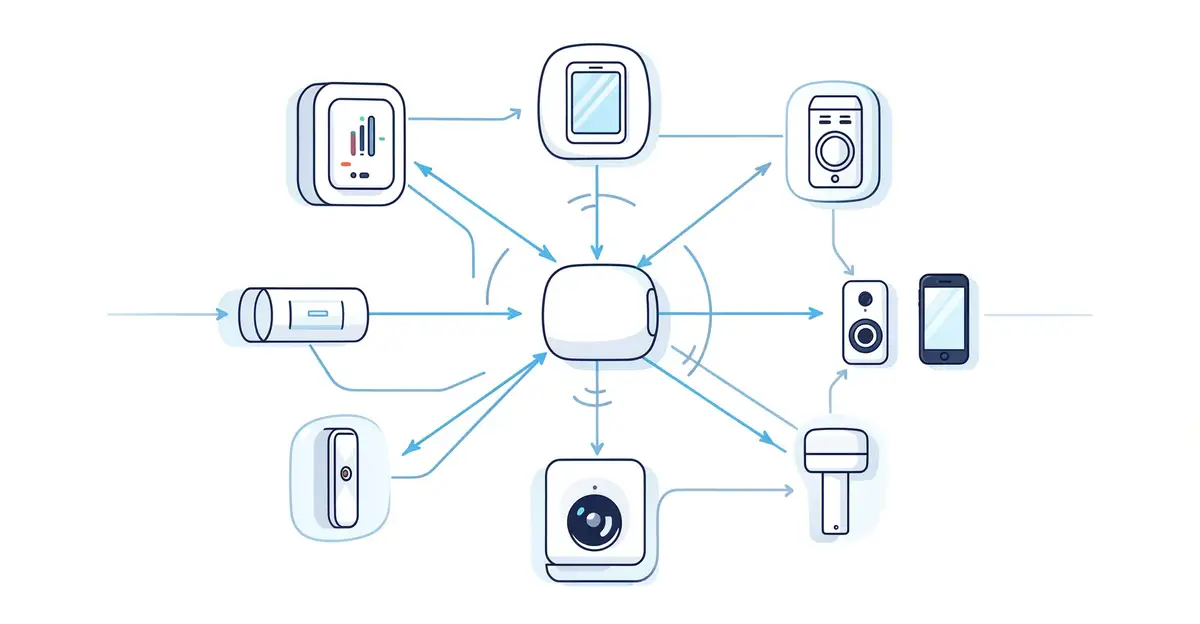
In today’s interconnected world, smart devices are becoming increasingly common in our homes and workplaces. From smart thermostats to voice assistants, these devices offer convenience and efficiency. But have you ever wondered how your smart devices communicate with each other to create a seamless experience? Understanding this communication is key to unlocking the full potential of your smart ecosystem.
This article will demystify the technology behind smart device communication. We’ll explore the various protocols and standards that enable devices to talk to one another, providing you with clear, actionable information. Whether you’re a tech enthusiast or just curious about your smart home, you’ll gain valuable insights into how your devices work together.
Introduction
Your smart speaker answers a question, your phone unlocks your front door, and your thermostat adjusts itself before you get home. None of that happens in isolation. Behind every one of those interactions is a quiet conversation between devices — a constant exchange of signals, protocols, and data that most people never see. This article explores How Smart Devices Communicate With Each Other with clear, practical guidance, so you can understand what is actually happening on your home network.
That understanding matters more than ever. The average household now contains more than a dozen connected devices, from light bulbs and doorbells to televisions and thermostats. Each one needs a way to talk to the others, and those conversations rely on a handful of technologies working together. When something goes wrong — a device drops offline, a command arrives late, or a routine fails — the fix usually comes from knowing how the pieces fit together rather than from buying new hardware.
Understanding the fundamentals of How Smart Devices Communicate With Each Other helps you make informed decisions. You will know which devices work well together, which standards to look for, and how to avoid the frustration of a fragmented setup. Reliable information and consistent habits lead to better long-term outcomes, whether you are building your first smart home or troubleshooting an existing one.
This guide is written for ordinary users, not engineers. You do not need to read code or understand radio frequencies in detail. You need a clear mental model, a few practical steps, and the confidence to set things up properly the first time.
Key Concepts
Before getting into specifics, it helps to build a simple vocabulary. Smart devices communicate through a layered system: a physical method of sending signals, a set of rules for what those signals mean, and a shared language that lets different brands understand each other.
Wireless protocols
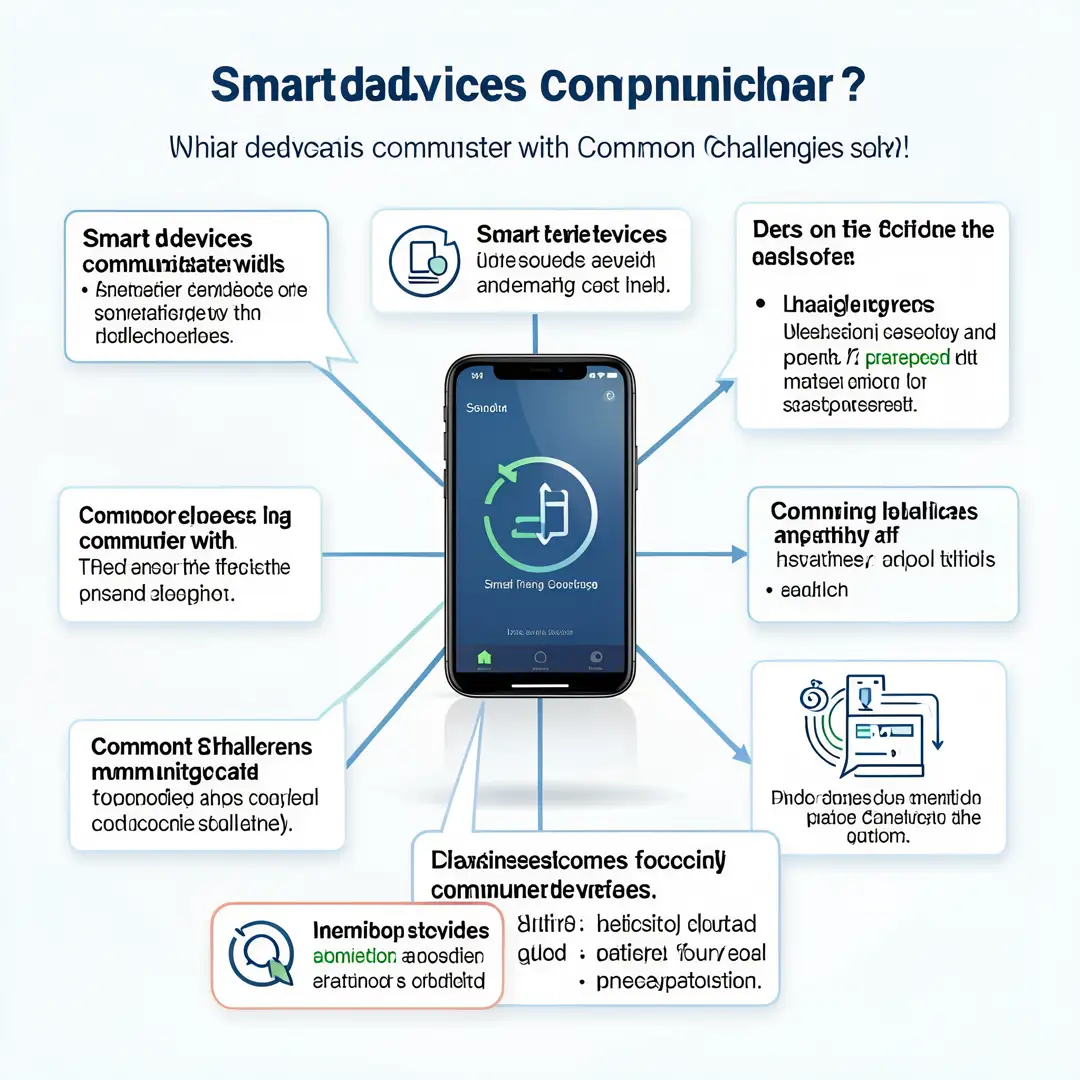
The physical layer is usually one of a few common wireless technologies. Wi-Fi carries most high-bandwidth traffic, like video from cameras. Bluetooth handles short-range connections, such as pairing a phone with a lock. Zigbee and Z-Wave are low-power mesh protocols designed for sensors and switches that run on batteries for years. Matter is a newer standard that lets devices from different brands speak the same language regardless of the underlying protocol.
- Wi-Fi: Fast, widely available, but power-hungry for battery devices.
- Bluetooth and Bluetooth Low Energy: Great for setup and short-range control.
- Zigbee and Z-Wave: Low power, mesh networking, ideal for sensors and lights.
- Thread: A modern low-power mesh designed to carry Matter traffic.
- Matter: An application-layer standard that unifies the languages above.

The hub and the app
Many devices talk directly to your router, but others need a hub — a small box or a smart speaker that acts as a translator and coordinator. The hub collects messages from low-power devices and passes them to your phone or the cloud. Some hubs also run automations locally, which means your lights still respond even if the internet goes down.
Cloud vs. local control
Cloud control sends commands through the internet to a manufacturer’s server and back to your device. It is easy to set up and works remotely, but it depends on your internet connection and the company staying in business. Local control keeps communication inside your home, which is faster, more private, and more reliable. The best setups use local control where possible and fall back to the cloud only when needed.
Addresses and discovery
Every device on a network needs an address. On Wi-Fi, that is an IP address. On mesh networks, it is a node identifier. Discovery is how devices find each other — the process of announcing “I am here” and “here is what I can do.” If discovery fails, your app may show a device as offline even though it is powered on.
Deep Dive
Now that the vocabulary is in place, let’s look at how these pieces actually work together in a real home.
From button press to action
Imagine you press a smart button to turn off the living room lights. The button sends a small radio message to its hub or directly to the lights. That message contains an address, a command, and sometimes a checksum to confirm it arrived intact. The receiving device acknowledges the message, changes its state, and may report back. The whole exchange takes a fraction of a second, but it involves at least three separate layers of technology agreeing on what just happened.
Why interoperability is hard
For years, each brand built its own ecosystem. A light from one company might not work with a hub from another. Matter was created to solve this by defining a common application layer, so a Matter-certified device can join any Matter-certified hub regardless of brand. In practice, older devices often still need their original app, which is why many homes end up with two or three apps running side by side.
Bandwidth, latency, and interference
Not all communication is equal. A video doorbell needs high bandwidth; a temperature sensor needs almost none. Latency matters for motion-triggered lights — a two-second delay feels broken. Interference from microwaves, thick walls, and crowded Wi-Fi channels can disrupt signals. Placing a hub centrally and keeping mesh devices within range solves most of these problems before they start.
Security and privacy basics
Every message between devices is a potential entry point. Good practice includes changing default passwords, keeping firmware updated, using a separate Wi-Fi network for smart devices, and preferring local control when available. Encryption is standard on modern protocols, but older devices may not support it. Checking for security updates is one of the highest-value habits you can build.
Step-by-Step: Building Reliable Device Communication
Use the following steps to set up or improve how your smart devices talk to each other.
Step 1: Understand the fundamentals
Start by identifying which protocols your existing devices use. Check the box, the app, or the manufacturer’s website. Note whether each device uses Wi-Fi, Bluetooth, Zigbee, Z-Wave, Thread, or Matter. Write it down in a simple list. This single habit prevents most compatibility mistakes and helps you see where a hub might be needed.

Step 2: Assess your starting point
Walk through your home and count your connected devices. For each one, note its power source, its protocol, and whether it relies on the cloud or works locally. Test a few basic commands and observe the delay. Identify any device that frequently shows as offline. This snapshot tells you where the weak points are before you spend money or time on fixes.
Step 3: Set clear goals
Decide what you actually want. Maybe you want lights that respond instantly, cameras that record locally, or a single app that controls everything. Write these goals down. Clear goals keep you from buying devices that do not fit, and they give you a way to measure whether your setup is working. Reliable information and consistent habits lead to better long-term outcomes, and goals are the first habit.

Step 4: Gather necessary resources
A few tools make everything easier:
- A modern router with separate 2.4 GHz and 5 GHz bands.
- A hub or smart speaker that supports the protocols you use.
- A note-taking app or spreadsheet for device inventory.
- Access to each device’s app and firmware update page.
- Optional: a Wi-Fi analyzer app to check channel congestion.
Having these ready means you can troubleshoot without scrambling for information later.

Step 5: Apply the core methods
Put your plan into action. Place your hub centrally and away from metal objects. Connect devices one at a time and confirm each works before moving on. Prefer local control where possible, and group devices by room in your app. For mesh devices, add powered devices like plugs and bulbs first, since they strengthen the network for battery-powered sensors. Update firmware on every device as you go.
Step 6: Monitor your progress
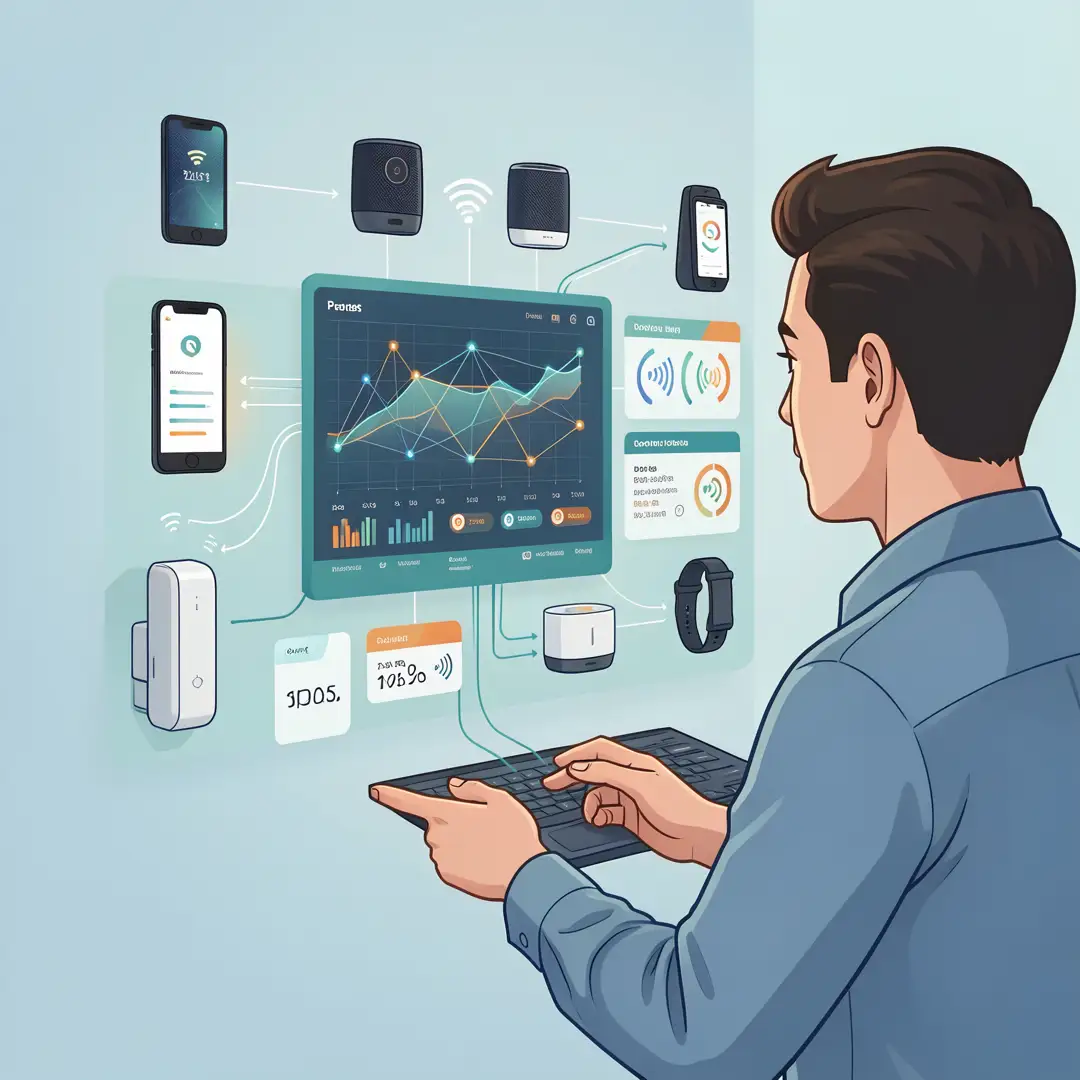
Check in regularly. Once a month, open your app and look for offline devices. Test your key automations — lights, locks, cameras — to make sure they still respond quickly. Review any new firmware notifications and apply them. If a device keeps failing, move it closer to the hub or replace it. Consistent monitoring catches small problems before they become system-wide failures.
Best Practices
These habits keep a smart home running smoothly over the long term.
- Standardize on Matter where possible. It reduces lock-in and makes future purchases easier.
- Keep a device inventory. Know what you own, what protocol it uses, and when it was last updated.
- Separate your networks. Put smart devices on a guest or IoT network to limit exposure.
- Prefer local control. Choose hubs and devices that work without the internet when you can.
- Update firmware consistently. Security patches and bug fixes arrive this way.
- Place hubs and repeaters thoughtfully. Central location, open space, and away from interference.
- Test before you rely. Never trust a new automation with something important like a lock until you have tested it repeatedly.
- Document your setup. A simple note about which app controls which device saves hours later.
None of these practices are complicated on their own. Together they turn a fragile collection of gadgets into a dependable system.
FAQ
What should I know about How Smart Devices Communicate With Each Other?
The most important thing to understand is that communication happens in layers: a wireless protocol carries the signal, a standard defines the message, and a hub or app coordinates the conversation. Most problems come from mismatched protocols, weak signals, or cloud dependencies. If you know which protocol each device uses and whether it works locally, you can diagnose nearly any issue. You do not need technical expertise — just a clear inventory and a willingness to test.
Who is this guide for?
This guide is for anyone who owns smart devices and wants them to work reliably. That includes first-time buyers setting up a few lights, renters who cannot change wiring,.
You now have a solid foundation for How Smart Devices Communicate With Each Other. Apply the best practices above and revisit this guide as your needs evolve.