
Your smartwatch feels like magic—notifications on your wrist, calls from across the room, health stats syncing instantly. But how does it actually stay connected to your phone? Understanding how smartwatches communicate with smartphones helps you troubleshoot pairing problems, improve battery life, and get more from your devices.
In this guide, we break down the wireless technologies behind the connection—Bluetooth, Wi-Fi, and cellular—in plain language. Whether you’re setting up a new watch or fixing a spotty sync, you’ll find clear, practical answers you can use right away.
Introduction
Smartwatches have become one of the most popular wearable devices, but many people never stop to think about how that tiny screen on their wrist actually stays in sync with the phone in their pocket. The answer is a combination of wireless radio technologies, carefully designed software, and power-saving strategies that let two devices work together as one system. This article explores how smartwatches communicate with smartphones with clear, practical guidance, so you can understand what happens behind the scenes every time a notification pops up on your wrist.
Understanding the fundamentals of how smartwatches communicate with smartphones helps you make informed decisions about which device to buy, how to troubleshoot connection problems, and how to get the most out of your wearable. Whether you are a first-time buyer or someone trying to fix a stubborn pairing issue, the principles are the same. Reliable information and consistent habits lead to better long-term outcomes, and that holds true for something as everyday as keeping your watch connected.
Key Concepts
At its core, a smartwatch is a small computer with its own processor, memory, battery, and radios. A smartphone is a much larger computer with the same categories of parts, only more powerful. Communication between them happens over short-range wireless links, most commonly Bluetooth. The smartphone acts as the gateway to the wider world, while the watch acts as a convenient extension of the phone on your wrist.
The role of Bluetooth
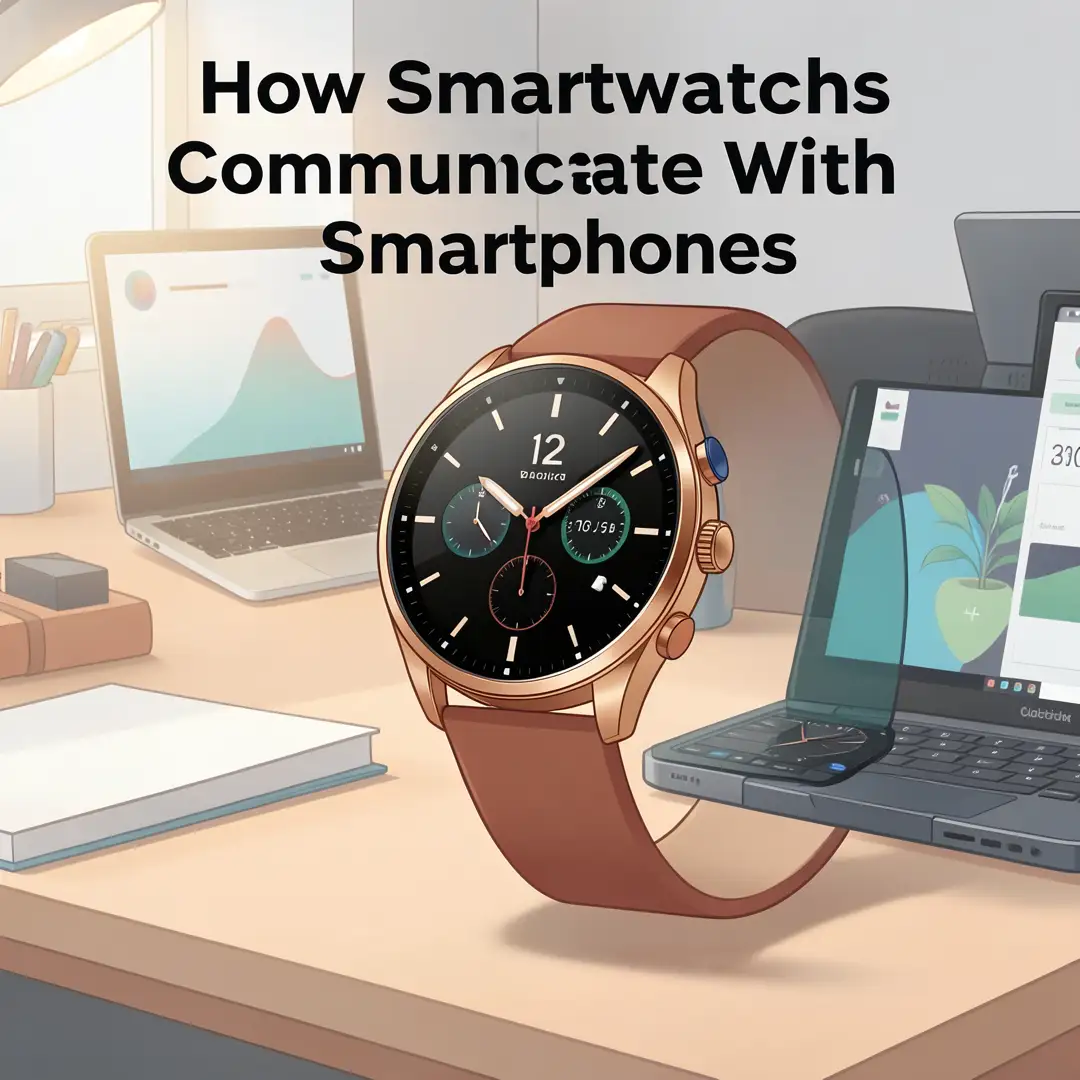
Bluetooth is the primary language that smartwatches and smartphones speak. It is designed for short distances, typically up to about 10 meters or 30 feet in open air, and it uses very little power. When you pair a watch with a phone, the two devices exchange keys and create a trusted relationship. After that, they can reconnect automatically whenever they are in range. Bluetooth Low Energy, often abbreviated BLE, is the modern variant used by most wearables because it sips battery instead of draining it.
Wi-Fi as a backup channel
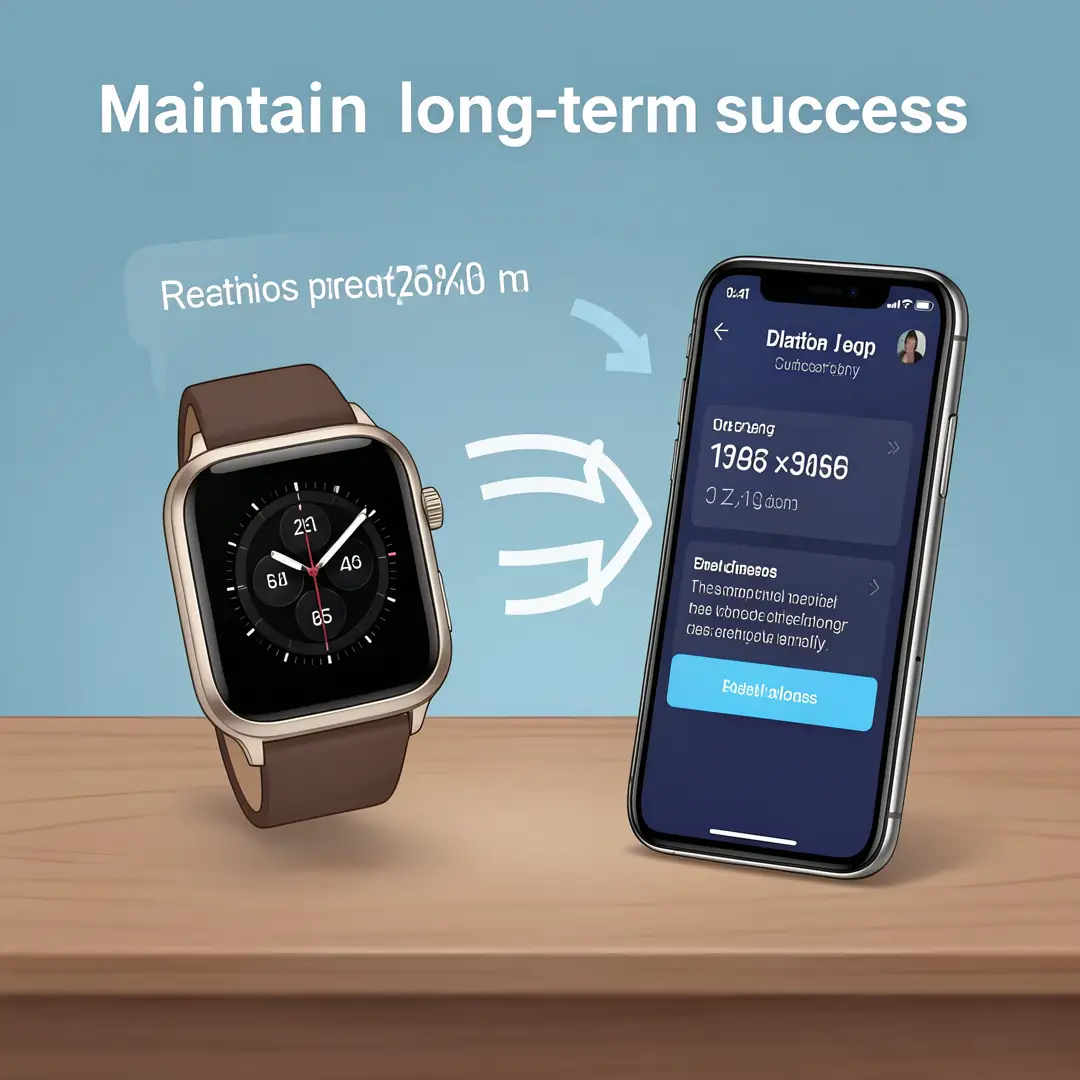
Many smartwatches also include Wi-Fi. This matters because Bluetooth has a limited range. If you leave your phone at home but your watch is connected to a known Wi-Fi network, the watch can still receive notifications, sync data, and reach online services. The phone and watch do not need to be near each other in that scenario; both simply need access to the internet through their own connections.
Cellular connectivity
Some premium smartwatches include a cellular radio, usually eSIM technology. These watches can make calls, send messages, and use data without a phone nearby at all. The carrier treats the watch as a secondary device on the same phone number, which is why setup usually requires a quick call to your mobile provider or a few taps in its app.
Apps and companion software
Communication is not just hardware. Each watch platform relies on a companion app on the phone. Apple Watch uses the Watch app, Wear OS watches use the Wear OS app, and Samsung watches use Galaxy Wearable. These apps handle pairing, permissions, notification rules, watch faces, and software updates. The watch and phone also run background services that shuttle data back and forth without you noticing.
Deep Dive
To really understand how smartwatches communicate with smartphones, it helps to follow the journey of a single notification. Imagine someone sends you a text message. The message first arrives at your phone through your cellular or Wi-Fi connection. The phone operating system passes it to the messaging app, which decides that notifications should be forwarded to the watch. The phone then packages the notification and sends it over Bluetooth Low Energy to the watch. The watch receives the packet, wakes its display, vibrates, and shows the text. All of this usually happens in under a second.
The reverse direction matters too. When you tap a reply on the watch and dictate a message, the watch encodes your input and sends it back over the same Bluetooth link. The phone receives it and transmits it through the cellular network. The watch never needed its own cellular connection because the phone did the heavy lifting.
Why battery life shapes the design
Smartwatch batteries are tiny compared to phone batteries, often in the range of 300 to 500 milliamp-hours. If the watch kept a full-power connection open at all times, it would die in hours. That is why engineers use BLE with long connection intervals. The two devices agree on how often to check in, sometimes every few hundred milliseconds, sometimes less often when nothing is happening. They also use a technique called bonding, which stores security keys so they do not have to re-authenticate constantly.
What happens when the connection drops
Connections drop for many reasons: you walk too far from your phone, a wall blocks the signal, the phone restarts, or the Bluetooth stack glitches. When that happens, the watch typically shows a disconnected icon or a red phone symbol. Most watches will keep trying to reconnect in the background. If Wi-Fi is available and configured, the watch may switch to that channel. If neither works, some functions still operate offline, such as step counting, heart rate tracking, alarms, and locally stored music.
Security and privacy
Because watches carry personal data like messages, health metrics, and location, the link between watch and phone is encrypted. Pairing uses a numeric code or a confirmation prompt to prevent an unauthorized device from connecting. Once paired, the bond is stored, and the devices authenticate each other automatically. If you ever sell or return a watch, you should unpair it and factory reset it so the old keys are wiped.
Best Practices
Getting reliable communication between your watch and phone is not complicated, but a few habits make a big difference.
- Keep the companion app updated. New versions often fix connection bugs and improve battery efficiency.
- Keep both devices charged. A phone that dies takes the watch’s smart features with it unless the watch has cellular.
- Leave Bluetooth on. It is far more power-efficient than Wi-Fi for short-range links, and turning it off defeats the purpose of the watch.
- Re-pair if problems persist. Unpairing and pairing again clears stale security keys that can cause dropouts.
- Avoid metal cases and thick walls between devices. Bluetooth signals weaken through dense materials.
- Review notification permissions. If the watch stops showing alerts, the problem is often a setting, not the radio.
- Use Wi-Fi on the watch if you frequently leave your phone behind.
- Restart both devices occasionally. It clears temporary software glitches.
Step-by-Step Guide
If you want to understand or improve how your smartwatch communicates with your smartphone, follow these steps in order.
Step 1: Understand the fundamentals
Start by learning which radios your watch uses. Check the specifications for Bluetooth, Wi-Fi, and cellular support. Confirm which companion app your watch requires and what phone operating system versions are compatible. Knowing these basics prevents most confusion later.

Step 2: Assess your starting point
Look at your current setup. Is the watch paired and connecting reliably? Do notifications arrive on time? Does the watch disconnect when you walk into another room? Note the specific problems you experience and when they happen. This gives you a baseline to compare against.
Step 3: Set clear goals
Decide what you actually want from the connection. Maybe you want notifications to arrive within a second, or you want the watch to stay connected when you leave your phone at your desk. Clear goals keep you focused on fixes that matter instead of chasing every setting.
Step 4: Gather necessary resources
Collect what you need: the companion app installed and updated, your phone’s Bluetooth settings accessible, your Wi-Fi network password if you plan to connect the watch, and your carrier’s instructions if you use a cellular watch. Having these ready makes troubleshooting faster.
Step 5: Apply the core methods
Put the fundamentals into practice. Keep Bluetooth enabled, re-pair the devices if needed, connect the watch to Wi-Fi, and verify notification permissions in both the companion app and the phone’s system settings. Test each change one at a time so you know what fixed the issue.
Step 6: Monitor your progress
Use the watch for a few days and pay attention to connection reliability. Check the watch’s status indicator for signal strength or disconnection warnings. If problems return, revisit the earlier steps. Consistent monitoring helps you catch small issues before they become frustrating.
FAQ
What should I know about How Smartwatches Communicate With Smartphones?
The most important thing to know is that your watch almost always depends on your phone for internet access, calls, and messages unless it has its own cellular plan. The link is usually Bluetooth, with Wi-Fi as a backup. Understanding this helps you diagnose problems: if the watch is disconnected, check Bluetooth first, then Wi-Fi, then whether the phone itself has a signal. Security is handled automatically through encrypted pairing, so you generally do not need to manage it manually.
Who is this guide for?
This guide is for anyone who owns or plans to buy a smartwatch and wants to understand how it stays connected to a smartphone. That includes first-time buyers comparing models, people troubleshooting connection drops, and anyone curious about the technology. No technical background is required. The explanations focus on practical understanding rather than engineering detail, so you can apply what you learn immediately.
Why does my watch disconnect when I leave my phone?
Bluetooth has a limited range, usually around 10 meters in open space and less through walls. Once you move beyond that, the link drops. If your watch supports Wi-Fi and is connected to a network, it may keep working. Otherwise, offline features like step tracking and alarms continue, but notifications and calls will not reach the watch.
Does a smartwatch work without a smartphone?
Partially. A watch without a phone can still track steps, heart rate, sleep, and workouts, and it can show the time and run alarms. But features like messages, calls, app notifications, and syncing data to the cloud typically require either a paired phone or a cellular model with its own plan.
You now have a solid foundation for How Smartwatches Communicate With Smartphones. Apply the best practices above and revisit this guide as your needs evolve.