

Artificial intelligence often sounds like a replacement for human judgment, but a more practical model is emerging: augmented intelligence. Instead of removing people from the equation, augmented intelligence combines machine speed and pattern recognition with human context, ethics, and decision-making.
For beginners and IT administrators alike, understanding how augmented intelligence works is essential. This article breaks down its core components, real-world applications, and why it is becoming a cornerstone of modern IT strategy.
Introduction
Augmented intelligence is one of those terms that gets thrown around in boardrooms, vendor webinars, and IT planning meetings, yet many people nod along without a firm grasp of what it actually means. If you are a beginner trying to understand the landscape or an IT administrator responsible for evaluating and deploying tools, this guide covers What Is Augmented Intelligence and How Does It Work in practical, step-by-step detail. The goal is to strip away the marketing gloss and give you a working mental model you can apply to real systems.
At its core, augmented intelligence is not about replacing human judgment. It is about combining human strengths—context, ethics, creativity, and accountability—with machine strengths—speed, scale, pattern recognition, and tireless consistency. Where artificial intelligence (AI) often carries the ambition of autonomous decision-making, augmented intelligence deliberately keeps a human in the loop, using software to enhance rather than supplant the person doing the work.
For IT administrators, this distinction matters operationally. Augmented intelligence systems typically sit alongside existing workflows: a help desk tool that suggests resolutions, a monitoring platform that flags anomalous traffic, or a document system that surfaces relevant policies. Understanding how these systems are built, trained, and integrated helps you choose the right tools and avoid the common pitfalls that lead to failed deployments.
Key Concepts
Before diving into mechanics, it helps to lock down a few foundational terms. These concepts appear repeatedly in vendor documentation and architectural diagrams, so familiarity pays off.
- Human-in-the-loop (HITL): A design pattern where a person reviews, approves, or corrects machine output before it takes effect. This is the defining characteristic of augmented intelligence.
- Machine learning (ML): The subset of AI where systems improve at a task by processing data rather than following only hand-coded rules. Most augmented intelligence products rely on ML under the hood.
- Inference: The moment a trained model produces an output—a prediction, a classification, a recommendation—for a new input.
- Training data: The historical examples used to teach a model. Quality and representativeness here directly determine how useful the augmented system will be.
- Confidence score: A number, often a percentage, indicating how sure the model is about its output. Good augmented tools surface this so humans can calibrate their trust.
- Feedback loop: The mechanism by which human corrections flow back into the system, either for immediate retraining or for future model versions.
Two more terms deserve attention because they affect deployment decisions. First, latency—the delay between input and output—determines whether a suggestion appears instantly or after a noticeable pause. Second, explainability refers to how well the system can justify its output. In regulated environments, an unexplainable recommendation may be unusable regardless of its accuracy.

Deep Dive
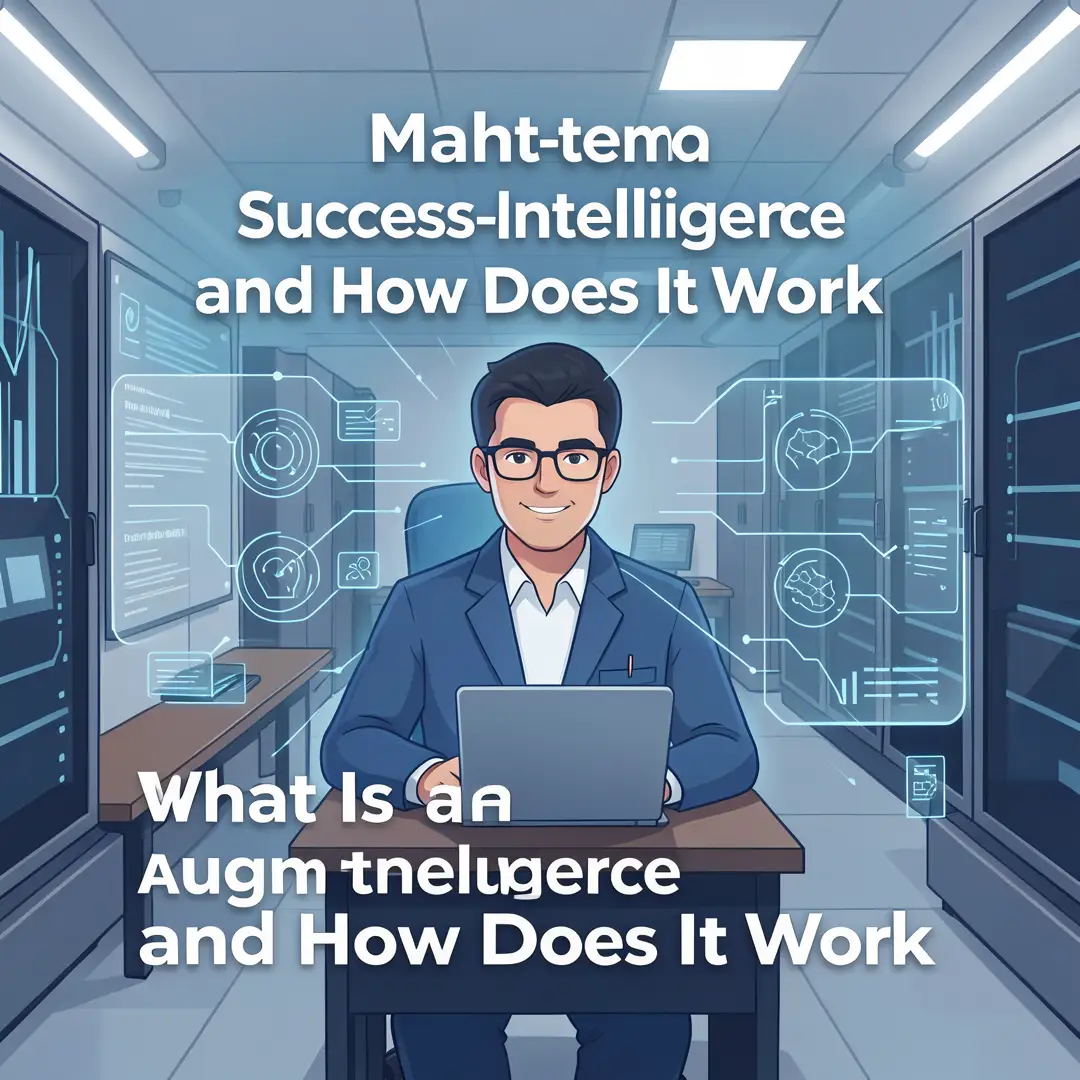
So how does augmented intelligence actually work in practice? Picture a three-layer architecture. The bottom layer is data ingestion: logs, tickets, documents, sensor readings, or user actions are collected and normalized. The middle layer is the model: algorithms process that data to find patterns, classify items, or generate suggestions. The top layer is the human interface: a dashboard, chat window, or inline prompt where a person sees the output and decides what to do with it.
The magic—and the risk—lives in the interaction between the middle and top layers. A well-designed augmented system does not just say “do this.” It says “based on similar past cases, I suggest X, with 82% confidence, because of factors A, B, and C.” That transparency lets an administrator or end user apply judgment rather than blindly accepting the machine’s word.
Consider a concrete example from IT operations. An augmented monitoring tool ingests system logs and network traffic. When it detects a pattern resembling a past incident, it does not automatically restart a service or block an IP address. Instead, it opens a ticket, attaches the relevant log excerpts, and proposes a remediation step. The on-call engineer reviews the evidence, confirms or rejects the suggestion, and the system records that decision. Over time, the model learns from those confirmations, improving its future suggestions.
This loop—observe, suggest, human decides, system learns—is the heartbeat of augmented intelligence. It contrasts sharply with fully autonomous AI, where the system acts without waiting for a human. For many enterprise use cases, the augmented approach is not just safer; it is more practical, because it degrades gracefully. If the model is uncertain, a human catches the error. If the model is confident and correct, the human saves time.
Hardware and software compatibility play a larger role here than many beginners expect. Modern augmented intelligence tools increasingly ship optimized builds for different processor architectures. Always verify software compatibility with your hardware architecture (ARM64 vs x86). A model that runs efficiently on an x86 server with AVX-512 instructions may perform poorly or not at all on an ARM64-based edge device, and vice versa. Checking this before procurement saves weeks of frustration.
Similarly, dependency management is not glamorous but it is decisive. Keeping your operating system updated before installation prevents dependency conflicts. Many augmented intelligence frameworks rely on specific versions of Python libraries, CUDA drivers, or system packages. An outdated OS can block those dependencies, while a current one usually includes the libraries and security patches the installer expects.
Best Practices
Whether you are piloting a single tool or rolling out an enterprise-wide platform, these practices improve your odds of success.
- Start with a narrow, high-value use case. A help desk suggestion engine or a log anomaly detector is easier to measure than a company-wide “AI transformation.”
- Define human override rules explicitly. Decide in advance which decisions a person must always approve and which can proceed automatically.
- Track precision and recall, not just accuracy. In imbalanced datasets, accuracy can be misleading. A model that never flags a problem can still be 99% accurate.
- Version your models and your data. When a suggestion quality drops, you need to know whether the model, the input data, or the upstream system changed.
- Document the feedback path. If human corrections are not captured and fed back, the system will not improve.
- Respect data governance. Augmented intelligence often touches sensitive logs or customer records. Apply the same access controls you would to any other system.
- Plan for graceful degradation. If the model service goes down, the underlying workflow should still function, even if manually.
One additional best practice deserves its own line: keep the human interface simple. If reviewing a suggestion takes longer than doing the task manually, adoption will collapse. The value proposition depends on the human being faster and more confident with the tool than without it.
Step-by-Step Guide
The following steps apply whether you are an individual learner or an IT administrator standing up a pilot. Work through them in order.

Step 1: Understand the fundamentals
Before touching any software, make sure you can explain the difference between AI, ML, and augmented intelligence in your own words. Read documentation from at least two vendors and note where they agree and where they differ. Understand concepts like training data, inference, confidence scores, and human-in-the-loop review. If you cannot describe how a suggestion reaches a human and what happens after, you are not ready to deploy.

Step 2: Assess your starting point
Take inventory of your current environment. What operating system versions are in use? What hardware architectures are present—x86, ARM64, or both? What data sources exist, and who owns them? What is your team’s current skill level with scripting, APIs, and monitoring? This assessment prevents you from choosing a tool that assumes infrastructure you do not have. Always verify software compatibility with your hardware architecture (ARM64 vs x86) during this step, not after purchase.

Step 3: Set clear goals
Write down what success looks like in measurable terms. “Reduce mean time to resolution for tier-one tickets by 15%” is a goal. “Use AI” is not. Define a baseline so you can compare before and after. Decide which metrics matter: time saved, error rate reduced, tickets deflected, or incidents caught earlier. Also decide what would constitute failure, so you can stop a pilot that is not working without sunk-cost pressure.

Step 4: Gather necessary resources
Assemble the people, data, and infrastructure you need. This includes a test environment that mirrors production, access to historical data for training or evaluation, and at least one person who can own the project. On the technical side, confirm your OS is updated before installation to prevent dependency conflicts, and check that required runtimes, drivers, and network access are in place. Budget for training time, not just licensing costs.

Step 5: Apply the core methods
Now you deploy and configure. Start in a sandbox with non-critical data. Connect the data source, run the model or service, and observe the outputs without acting on them. Compare the system’s suggestions against what a human would have done. Tune thresholds and confidence cutoffs based on that comparison. Only after the sandbox produces consistently useful suggestions should you move to a limited production pilot with real users.
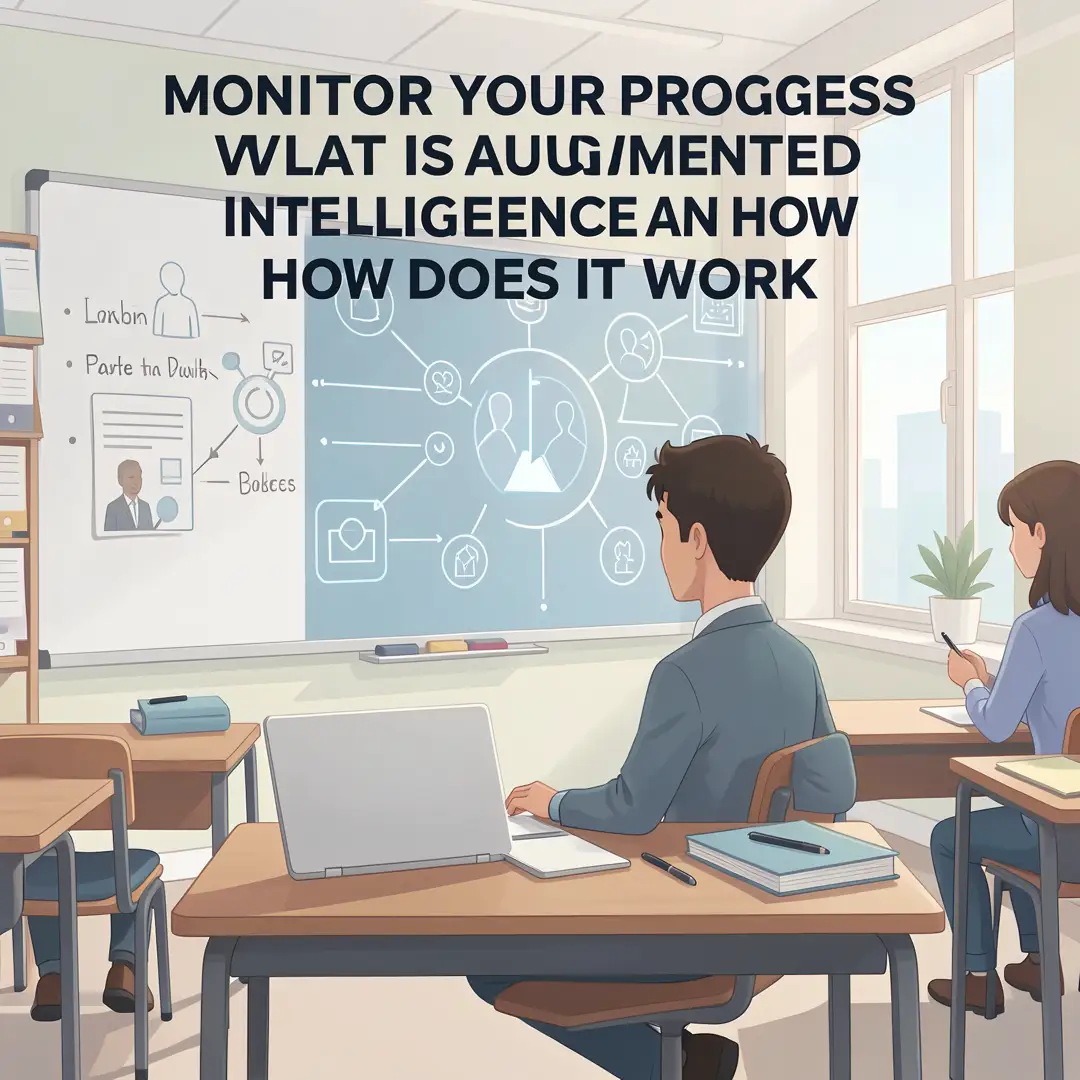
Step 6: Monitor your progress
After go-live, track the metrics you defined in Step 3. Watch for drift—a gradual decline in suggestion quality as real-world data diverges from training data. Collect human feedback systematically. Schedule regular reviews to decide whether to expand, adjust, or retire the system. Augmented intelligence is not a set-and-forget installation; it is an ongoing relationship between your team and the tool.
FAQ
How long does it take to complete What Is Augmented Intelligence and How Does It Work?
The learning portion—understanding the concepts well enough to evaluate tools—typically takes a few hours of focused reading and note-taking. A practical pilot, from assessment through monitoring, usually runs four to twelve weeks depending on data readiness, procurement cycles, and how many stakeholders need to approve each step. The monitoring phase never truly “completes,” because the system requires ongoing review.
Do I need prior Linux experience?
Not strictly, but it helps. Many augmented intelligence tools and their underlying frameworks are deployed on Linux servers, and basic comfort with the command line, package managers, and log files will make installation and troubleshooting much smoother. If you are primarily a Windows administrator, plan to.
You now have a complete workflow for What Is Augmented Intelligence and How Does It Work. Keep your system updated, monitor resource usage, and revisit this guide when software versions change.
Next steps: harden your server firewall, set up automated backups, and explore related tutorials linked above.