
Online banking has become part of everyday life, but as convenience grows, so do concerns about safety. Fortunately, technology is improving online banking security in ways that directly protect your money and personal data — from biometric logins to real-time fraud detection.
In this article, we break down the key innovations banks are using today and share practical steps you can take to keep your accounts secure. Whether you’re a casual user or a daily mobile banker, you’ll find clear, actionable tips you can apply right away.
Introduction
Online banking has become the default way millions of people manage money, pay bills, and move funds between accounts. That convenience comes with a trade-off: your financial life now lives behind a username and password, and criminals know it. Fortunately, the technology protecting those accounts has advanced just as quickly as the threats against them.
This article explores how technology is improving online banking security with clear, practical guidance. You do not need a technical background to benefit. Understanding the fundamentals helps you make informed decisions about which banks to trust, which security features to switch on, and how to spot a scam before it costs you money. Reliable information and consistent habits lead to better long-term outcomes, and that combination is what this guide delivers.
Key Concepts
Before diving into specific tools, it helps to understand the vocabulary. These are the core ideas that underpin nearly every modern online banking protection.
Encryption
Encryption scrambles your data so that only the intended recipient can read it. When you log in to your bank, the connection is protected by Transport Layer Security (TLS), the same technology that puts the padlock icon in your browser. Even if someone intercepts the traffic, they see meaningless characters rather than your password or account balance. Modern banking apps also encrypt data stored on your device, so a lost phone does not automatically mean a lost account.
Multi-Factor Authentication (MFA)
MFA requires more than one proof of identity. Typically, that means something you know (a password), something you have (a phone or hardware key), or something you are (a fingerprint or face scan). If a criminal steals your password, MFA stops them from getting any further. Banks have increasingly moved from SMS codes to app-based or hardware-based authentication because text messages can be intercepted through SIM-swapping attacks.
Biometrics
Fingerprint readers and facial recognition turn your physical characteristics into a login credential. The data never leaves your device in most implementations; instead, your phone confirms your identity locally and sends a secure token to the bank. This is both more convenient and harder to fake than a password typed on a keyboard.
Artificial Intelligence and Machine Learning
Banks process millions of transactions per day. AI systems watch for patterns that look unusual, such as a purchase in another country minutes after a local transaction, or a login from an unrecognized device. When something looks off, the system can block the transaction, trigger a verification step, or alert a fraud analyst in real time. This is why your card occasionally gets declined for a legitimate purchase, and it is also why most fraud is stopped before you ever notice it.
Tokenization
Tokenization replaces sensitive data, such as your full card number, with a random string of characters called a token. When you add a card to a mobile wallet, the merchant never sees your real number. If a retailer suffers a data breach, the stolen tokens are useless outside that specific payment context.
Deep Dive
Understanding the concepts is one thing; seeing how they work together is another. Modern online banking security is layered, meaning each defense covers the weaknesses of the others.
The Layered Defense Model
Think of your account as a house. A password is the front door lock. MFA is a deadbolt. Encryption is the reinforced walls. AI monitoring is the security camera watching for unusual activity. Behavioral analytics, which track how you normally type, swipe, and navigate, act like a guard who recognizes your face and notices when someone else is walking your halls. No single layer is perfect, but together they make a successful attack extremely difficult and, just as importantly, detectable.
Real-Time Fraud Detection
In the past, fraud detection happened overnight in batch processing. By the time a suspicious charge was flagged, the money was gone. Today, machine learning models score transactions in milliseconds. If you buy coffee in Chicago and five minutes later someone tries to buy electronics in another state, the system can block the second purchase and text you immediately. This speed is the single biggest improvement in consumer protection over the past decade.
Secure Authentication Standards
Under regulations such as PSD2 in Europe and similar frameworks elsewhere, banks must apply Strong Customer Authentication for most electronic payments. This means two independent factors from different categories. The result is that stolen passwords alone are no longer enough to drain an account, which has forced criminals toward lower-yield strategies like phishing and social engineering.
Open Banking and API Security
Open banking lets you connect your accounts to budgeting apps and other services through secure APIs rather than by handing over your password. The bank controls exactly what data the third party can see and for how long. This reduces the number of places your credentials live and gives you a single dashboard to revoke access if you stop using an app. It is a good example of technology improving security by design rather than as an afterthought.
Hardware Security Keys
Physical security keys, small USB or NFC devices that you tap to confirm a login, are currently the strongest form of consumer authentication available. They are resistant to phishing because the key verifies the actual website address before responding. A fake bank site simply cannot trigger the key to release a credential. Many banks now support them for high-value accounts, and they are worth considering if you hold significant balances.
Continuous Monitoring and Alerts
Instant notifications for every transaction have quietly become one of the most effective security tools available. When you get a push notification the moment a charge occurs, you can flag fraud within seconds rather than discovering it on a monthly statement. Banks have leaned into this by making alerts customizable down to the dollar amount, so you only get pinged for transactions above a threshold you choose.
Step-by-Step: Putting Better Security Into Practice
This section walks you through a practical process you can complete over a weekend. Follow it in order for the best results.
Step 1: Understand the fundamentals
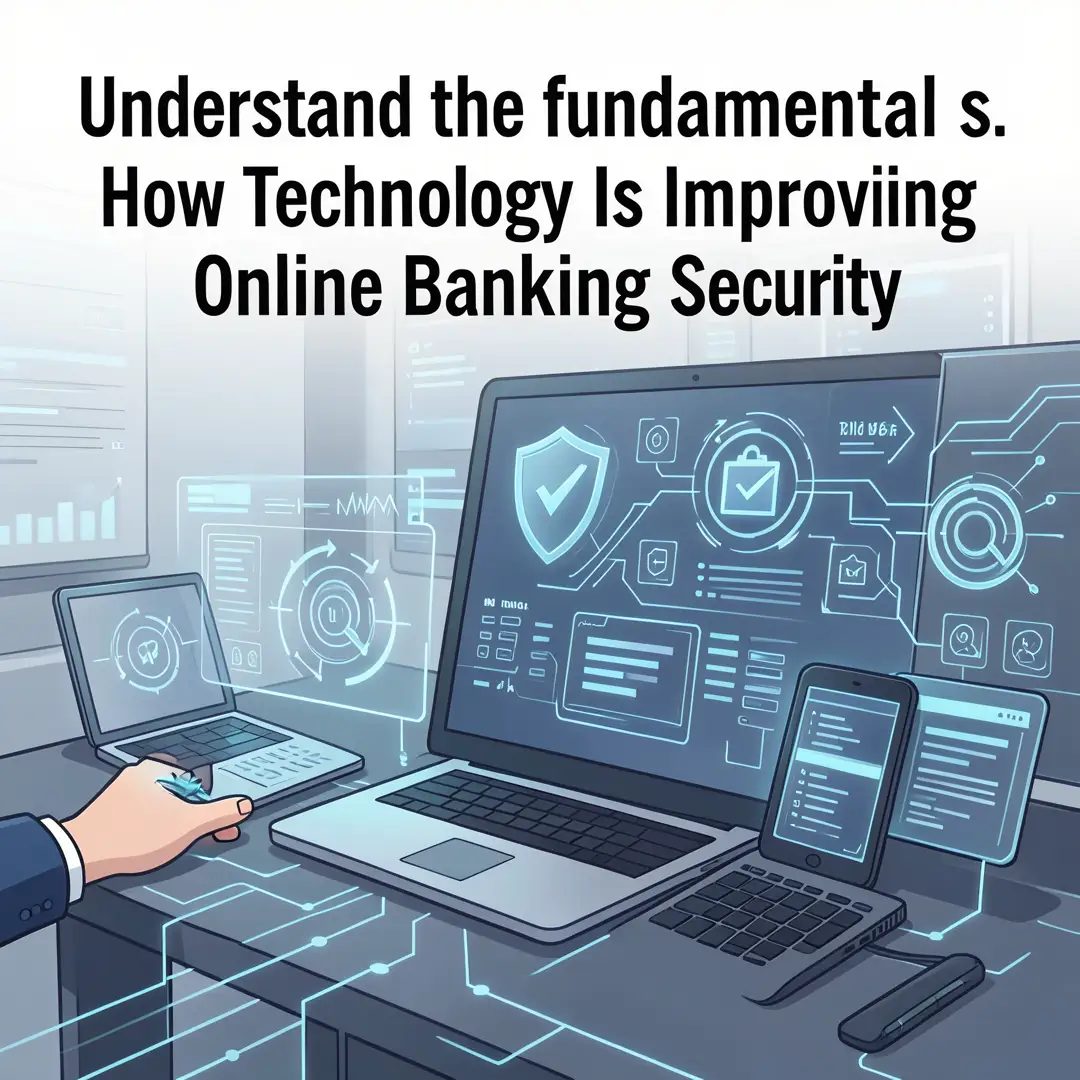
Start by confirming what protections your bank already provides. Log in to your account and look for a security or privacy settings page. Check whether MFA is available, whether you can set transaction alerts, and what the bank’s policy is for reimbursing unauthorized transactions. Write down what you find. You cannot improve a setup you do not understand, and most banks bury these options in menus that are easy to miss.

Step 2: Assess your starting point
Next, evaluate your current habits honestly. Ask yourself:
- Do I reuse passwords across banking and other sites?
- Is my bank’s MFA turned on, or did I skip setup?
- Do I have transaction alerts enabled?
- Am I banking on public Wi-Fi without a VPN?
- Have I reviewed which third-party apps have access to my accounts?
Rate each item as strong, weak, or missing. This baseline tells you where to focus your effort.

Step 3: Set clear goals
Turn your assessment into specific targets. A good set might be: enable MFA on every financial account within one week, replace all reused passwords with unique ones within two weeks, set up alerts for every transaction over ten dollars, and remove unused third-party app connections within a month. Specific goals are easier to track than vague intentions like “be safer online.”
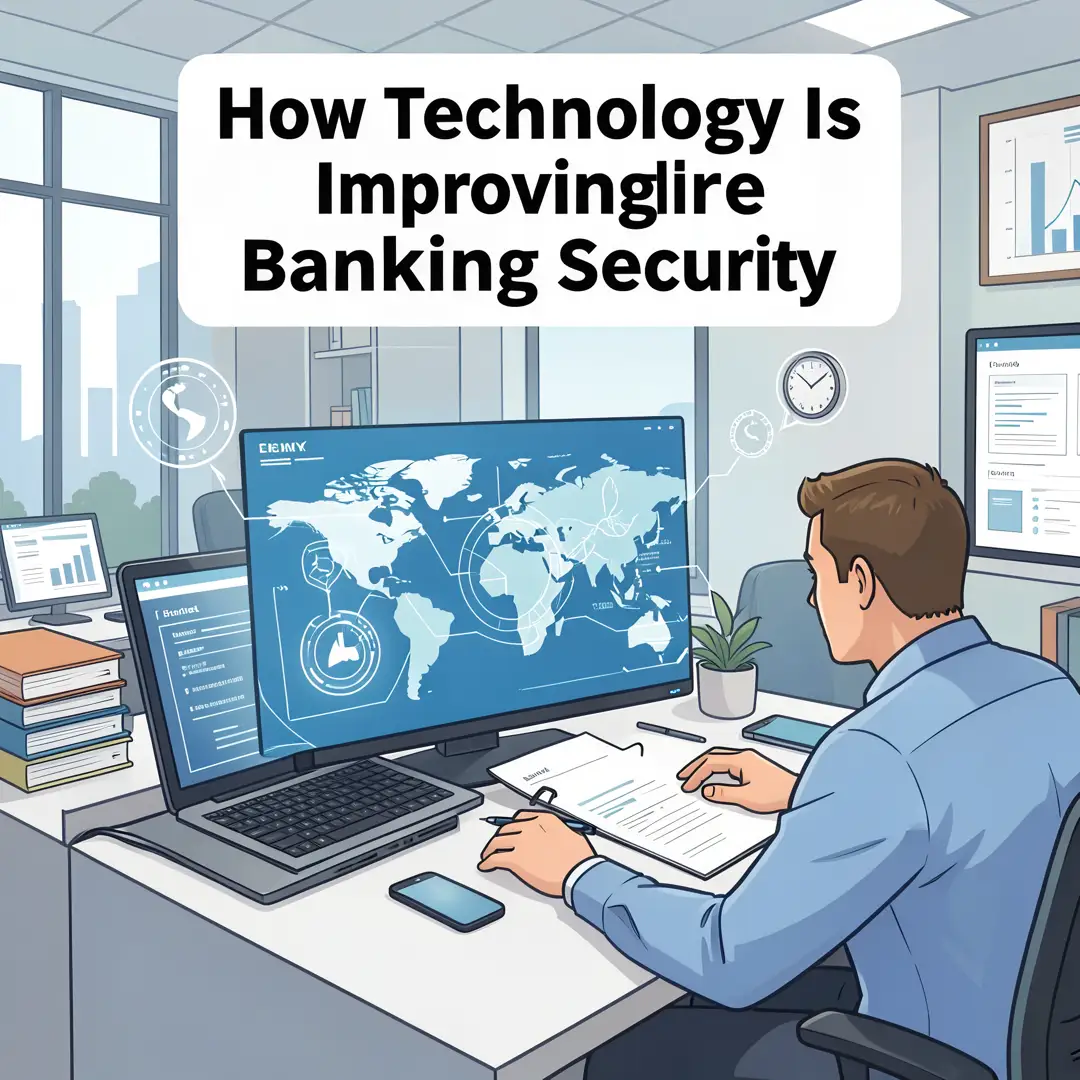
Step 4: Gather necessary resources
Collect the tools you need before you start changing settings. These typically include a password manager, an authenticator app or hardware security key, a reliable VPN if you frequently use public networks, and a list of your financial accounts with their login pages. A password manager is the single highest-impact purchase you can make; it generates and stores long, unique passwords so you never have to remember them.
Step 5: Apply the core methods
Now execute. Work through your accounts one at a time:
- Change the password to a long, unique passphrase stored in your password manager.
- Turn on the strongest MFA method the bank offers, preferring an app or hardware key over SMS.
- Enable real-time alerts for logins and transactions.
- Review connected apps and revoke anything you no longer use.
- Update your contact information so the bank can reach you if it detects fraud.
Do not rush. Completing one account properly is better than half-finishing five.
Step 6: Monitor your progress
Security is not a one-time task. Set a recurring reminder, perhaps every three months, to review your accounts. Check that alerts are still arriving, confirm no new devices have been added, and re-read your bank’s security updates. If you receive a suspicious message, do not click links; contact the bank through its official app or the number on your card. Over time, these habits become automatic, and that consistency is what keeps your money safe.
Best Practices
The following habits cover the gaps that technology alone cannot close. Most fraud now succeeds because of human error, not broken encryption, so these practices matter as much as any app.
- Use a unique password for every financial account, and never reuse one across sites.
- Prefer app-based or hardware MFA over SMS codes whenever your bank allows it.
- Ignore urgent emails, texts, or calls claiming your account is compromised; always verify through the official app.
- Type your bank’s web address directly rather than clicking search results or links.
- Keep your phone, browser, and banking apps updated to receive the latest security patches.
- Avoid banking on public Wi-Fi unless you are using a trusted VPN.
- Review statements and alerts weekly rather than monthly, so problems surface quickly.
- Freeze your credit if you suspect identity theft; it costs nothing and blocks new accounts.
- Never share one-time codes with anyone, including someone claiming to be from the bank.
Reliable information and consistent habits lead to better long-term outcomes. Technology provides the tools, but your routine provides the results.
FAQ
What should I know about How Technology Is Improving Online Banking Security?
The most important takeaway is that security is now layered rather than dependent on any single measure. Encryption protects your data in transit, MFA verifies your identity, AI monitors for fraud in real time, and.
You now have a solid foundation for How Technology Is Improving Online Banking Security. Apply the best practices above and revisit this guide as your needs evolve.